
McDowell County Court Docket Basics
A docket is the court's event list for a case. In McDowell County, it may appear as a hearing result, a court calendar listing, or the register of actions inside a case record. The docket helps answer basic timing questions: when the case was filed, what hearings were set, whether a motion or order was entered, whether a continuance occurred, and whether the case reached a disposition. A docket is not always a full document image. It is often a structured timeline.
North Carolina's court system is statewide rather than a set of separate county courts. That matters because McDowell County dockets may be searched through statewide eCourts tools even when the hearing is local in Marion. Superior Court handles felonies, larger civil cases, and appeals from District Court. District Court handles misdemeanors, infractions, traffic, domestic matters, juvenile matters, and smaller civil cases. Magistrates handle small claims and many preliminary criminal processes under the District Court Division.
- Docket
- A chronological list of case events, hearings, filings, and outcomes.
- Register of Actions
- The detailed eCourts case timeline that shows public events in order.
- Continuance
- A postponement of a hearing or court setting.
- Disposition
- The outcome of a case, claim, or charge.
Search McDowell County Court Dockets Online
The main docket channels are the North Carolina eCourts Portal, Search Hearings, court-date search, NC Judgment Search for judgment entries, and the McDowell local administrative schedules page. Smart Search is useful when the user knows a party name or case number. Search Hearings is better when the goal is to confirm a court date, courtroom, judicial officer, or hearing type.
- Open the eCourts Portal and choose Search Hearings for court-date or hearing searches.
- Enter a case number, party name, business name, attorney name, attorney bar number, judicial officer, or courtroom.
- Use McDowell County or the local court location where a location filter is available.
- Open the case in Smart Search when the hearing result needs the full register of actions or case status.
- Check local administrative schedules when the question concerns a master calendar, civil calendar, or criminal calendar.
The October 2025 statewide eCourts rollout affects McDowell County docket search because the county joined eCourts in Track 10. The official all-county announcement states that all 100 counties moved to online court records and services, while the Track 10 announcement names McDowell among the counties that went live on October 13, 2025.
The first docket-page image comes from the Judicial Branch announcement that North Carolina completed its all-county eCourts conversion.
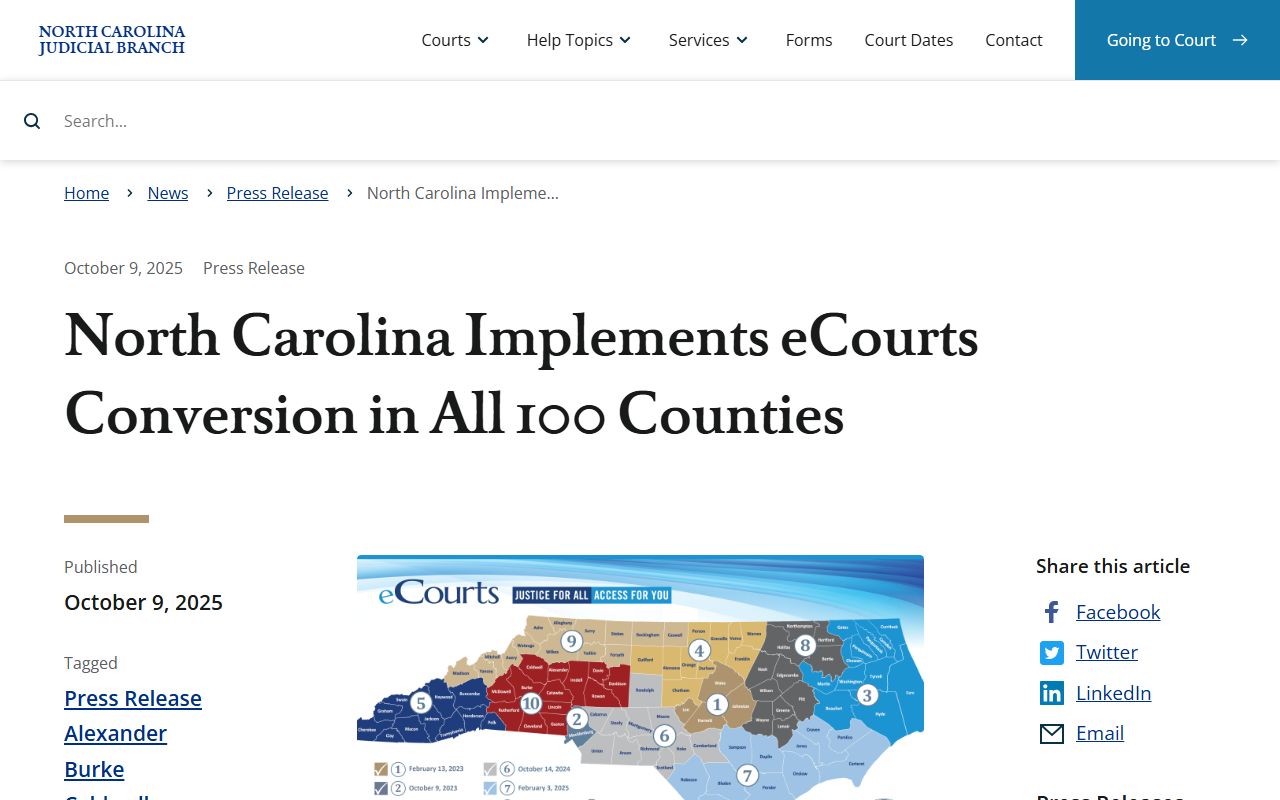
That statewide change is why McDowell docket users now begin with eCourts rather than assuming courthouse-only access for current public case data.
McDowell County Court Docket Search Fields
Search Hearings is the most direct public tool for McDowell County court docket dates. Smart Search can still matter because a hearing listing may not explain the whole case history. The docket result should be read beside the case summary when the user needs to know whether a hearing was continued, whether a disposition was entered, or whether a financial balance remains.
| Field Label | Type | Required | Notes / Format |
|---|---|---|---|
| Case number | Text | No | Best when the case number is known from a citation, notice, or prior filing. |
| Party name | Text | No | Searches by individual name. |
| Business name | Text | No | Useful for civil or business-party cases. |
| Attorney name | Text | No | Can locate hearings tied to counsel of record. |
| Attorney bar number | Text | No | More precise than an attorney name when known. |
| Judicial officer | Text/dropdown | No | Searches by judge or other judicial officer when supported. |
| Courtroom | Text/dropdown | No | Useful when the courtroom assignment is known. |
The Track 10 eCourts go-live announcement is the manifest source for the next docket image.
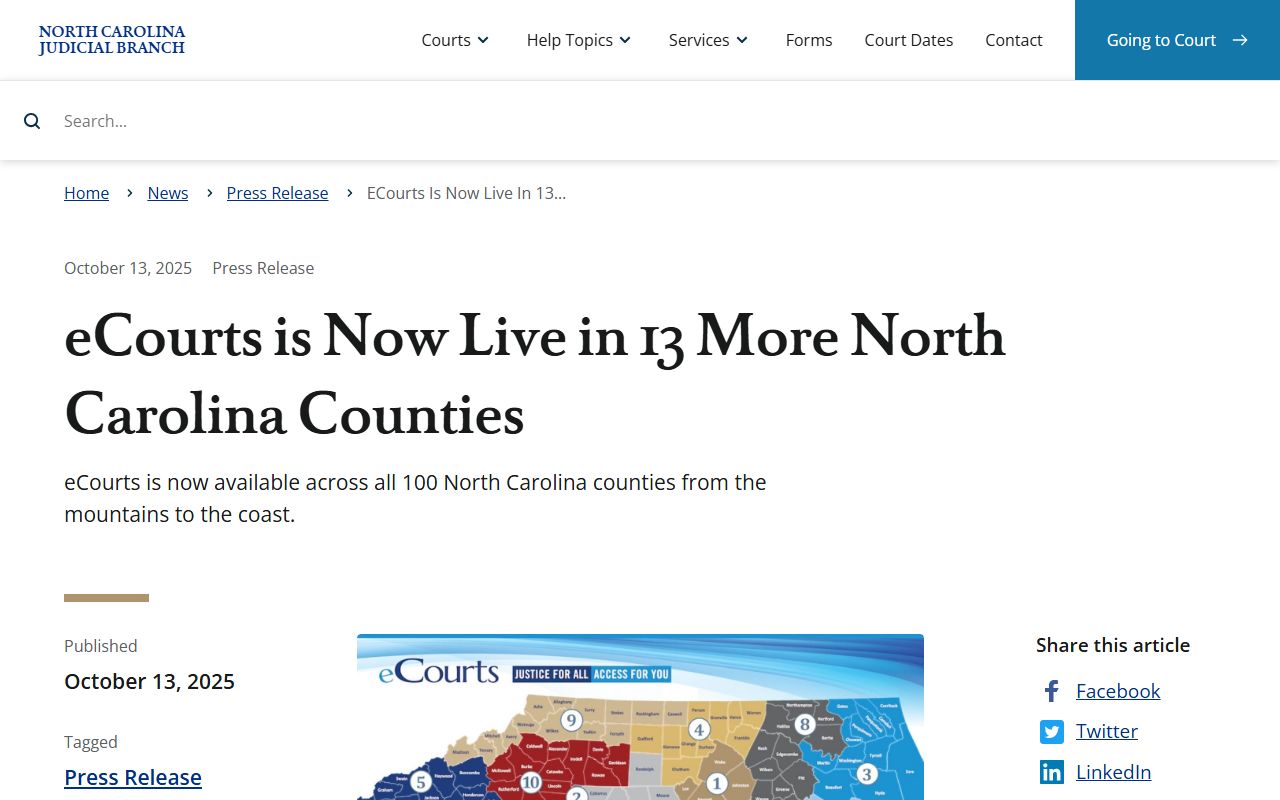
The Track 10 detail is local to McDowell County, so it belongs in the docket access path rather than in a generic eCourts summary.
What McDowell County Docket Entries Show
A docket entry may be short, but each field has a job. The case number links the event to the court file. The hearing type tells the reader what setting was scheduled. The judicial officer or courtroom helps the person appear at the right place. The register of actions shows how each entry fits into the case history. If an entry shows only a hearing, the full case record may be needed to read the order, motion, plea, judgment, or sentence tied to that date.
| Field | What It Shows |
|---|---|
| Case number | The court tracking number tied to the hearing or case event. |
| Case type | Criminal, civil, family, estate, special proceeding, traffic, or another public category. |
| Event date | The date a filing, hearing, order, continuance, or disposition was entered. |
| Hearing date and time | When the matter is scheduled to be heard. |
| Courtroom or location | The place assigned for the setting when public. |
| Judicial officer | The judge, magistrate, or officer connected to the setting when listed. |
| Disposition | The result of a charge, claim, or case event if entered. |
| Financial information | Costs, fines, restitution, balances, or payment eligibility when public and applicable. |
For McDowell County criminal matters, the docket can show charges, pleas, hearing settings, continuances, dispositions, sentences, and bond-related information when public. For civil matters, it can show complaints, answers, motions, orders, judgments, liens, and lis pendens. Estate dockets can show applications, oaths, letters, inventories, accounts, orders, and closings when those entries are public.
McDowell County Court Calendars
The McDowell County local administrative schedules page is the local calendar hub. Research identified master calendar, civil calendar, criminal calendar, and court-date search links on that official page. Those calendar links are different from a full docket because they focus on upcoming or scheduled court activity rather than the whole case file.
Use local calendars when the goal is practical scheduling: confirming a criminal calendar, checking a civil setting, or seeing whether an administrative schedule affects a hearing day. Use the eCourts Portal when the goal is a named party, a case number, the register of actions, or a case-specific hearing history. If a hearing date appears to have changed, the clerk's office is the safer verification channel.
Note: Court dates can change after online lookup, so verify close-in hearings with official calendar or clerk channels.
The county government homepage image is assigned to the docket page from McDowell County government.
County government pages are not the court docket itself, but they are part of the local public information path around courthouse access.
McDowell County Dockets by Court Level
McDowell County docket access depends on which part of the North Carolina General Court of Justice handles the case. The same courthouse may serve several functions, but the docket category matters. A felony schedule will not read like a small-claims setting. A traffic infraction may appear through citation and payment tools, while a domestic case may have restricted details even when a hearing exists.
| Court or Office | Docket Role | McDowell Notes |
|---|---|---|
| Superior Court Division | Felonies, civil cases of $25,000 or more, and District Court appeals. | McDowell is in Superior Court District 41. |
| District Court Division | Misdemeanors, infractions, traffic, domestic, juvenile, and smaller civil matters. | McDowell is in District Court District 41. |
| Magistrates | Small claims under the state threshold and preliminary criminal processes. | Magistrates have daytime and after-hours contacts in the official directory. |
| Clerk of Superior Court | Record custodian, estates, special proceedings, copies, and file access. | The clerk is the local court-record custodian. |
North Carolina has no separate municipal court system for McDowell County docket users to search. Local police cases are filed into the state court system rather than into a separate city court. Appeals from trial divisions move into the state appellate courts, not to a local appellate docket.
McDowell County Dockets vs Case Records
A docket helps track progress, but it is not a substitute for the case file. A docket may say that a motion was filed, an order was entered, or a hearing was continued. The case record may contain the motion text, order terms, party information, causes of action, disposition details, and financial entries. For formal use, the Clerk of Superior Court can provide copies for a fee and is the correct channel for certified documents.
| Point | Docket | Full Case Record |
|---|---|---|
| Format | Event list or calendar-style entry. | Case summary plus filings, orders, party data, and public documents where available. |
| Best use | Find hearing dates and track case movement. | Review the legal record and request copies. |
| Access | Often online through Search Hearings, calendars, or Smart Search. | Online for public data, with clerk inspection or copies for the file. |
| Limits | May omit document text or restricted facts. | May still omit sealed, juvenile, expunged, or confidential material. |
When a docket entry is tied to a charge or final outcome, the full criminal case file is usually a better source. For that narrower case-file view, use the McDowell County criminal court records page.
Getting to McDowell County Court Dates
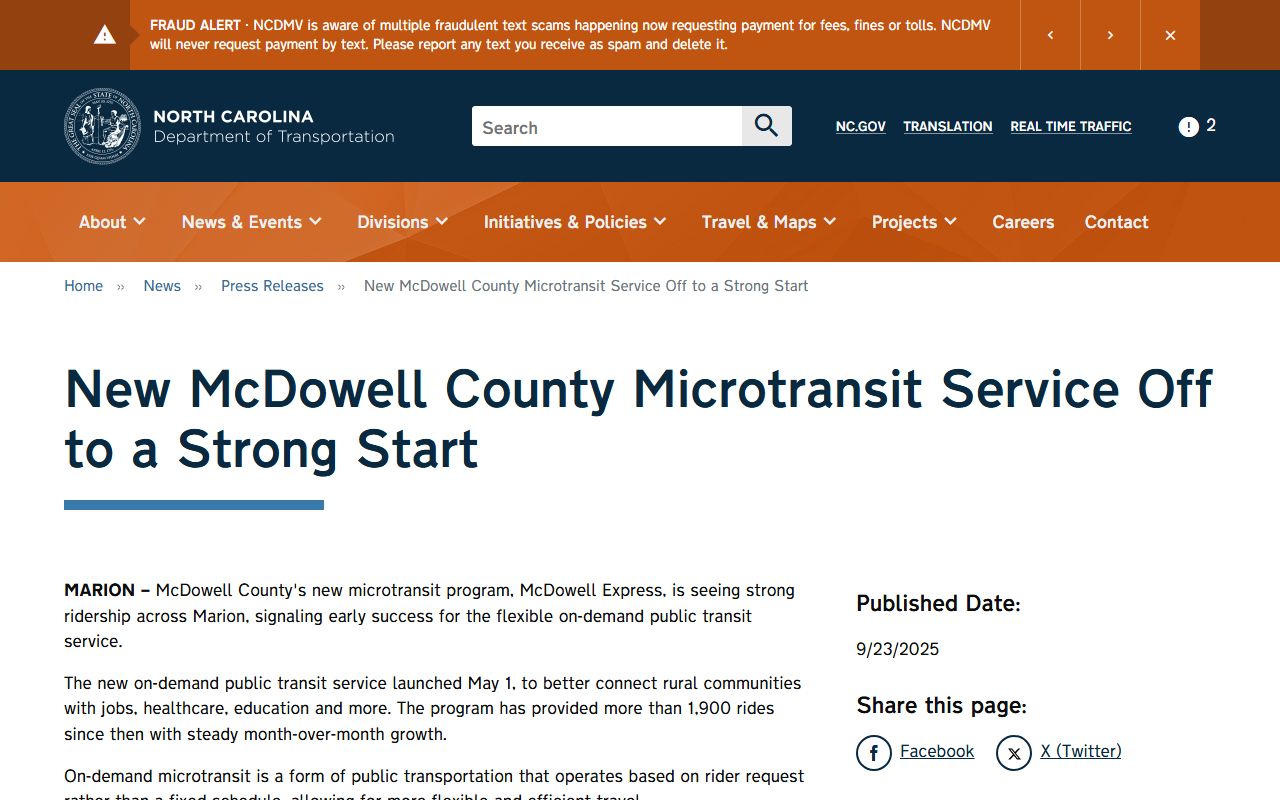
Calendar lookup is only part of docket use. A person with a scheduled hearing still needs to reach the courthouse or confirm whether a remote or alternative setting applies. The research file identifies McDowell County Transit as a local transportation fallback. Dispatch scheduling is handled by phone, and the county transit page lists Spanish assistance. NCDOT also reported in 2025 that McDowell Express flexible microtransit was serving riders across Marion.
The assigned docket images include McDowell County Transit and an NCDOT release about McDowell Express.
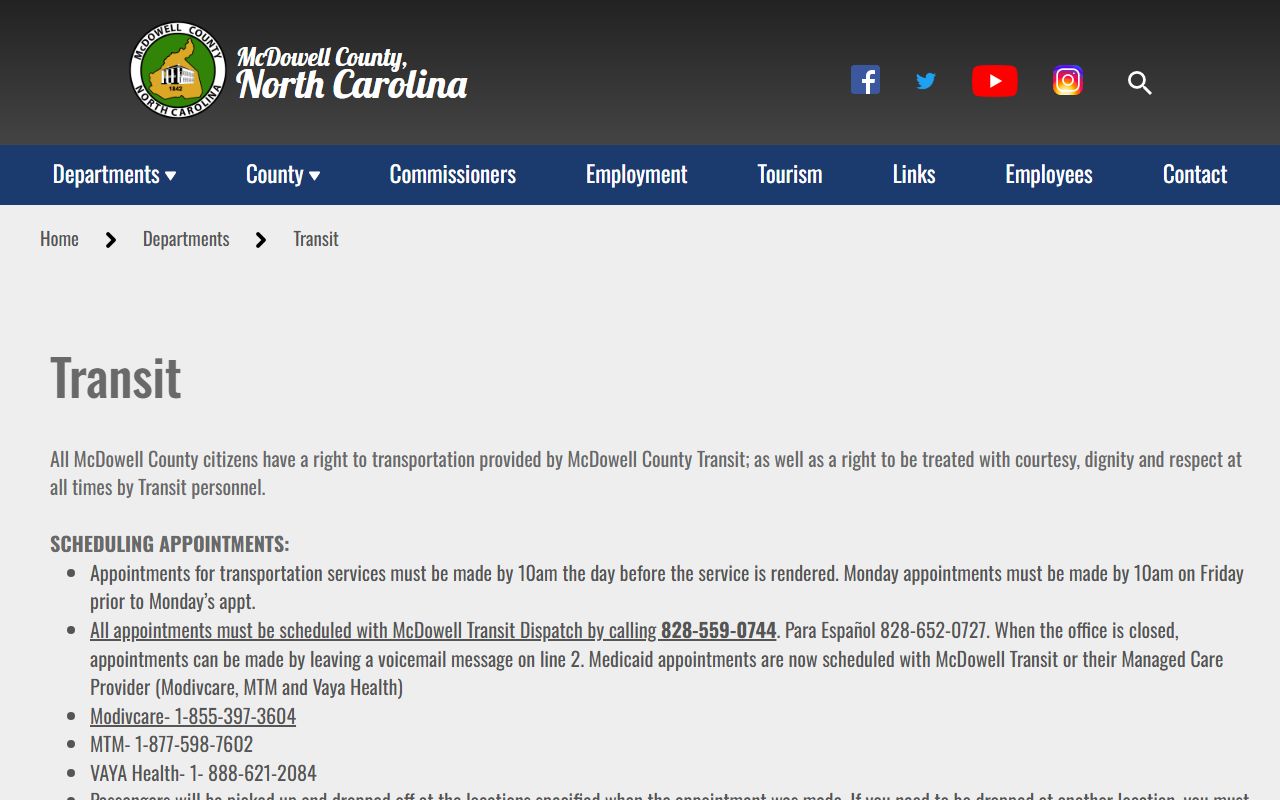
Transit planning is relevant to docket users because missing a criminal, traffic, or civil court date can affect the case record.
The NCDOT McDowell Express image documents the newer flexible microtransit option referenced in the research.
Anyone relying on transit for a docketed hearing should schedule with enough time for courthouse screening, clerk questions, and calendar changes.
Verify McDowell County Court Dockets
The Clerk of Superior Court is the final local verification point for docket questions that affect appearance, copies, background-check searches, or older case files. The official courthouse page lists the McDowell County Courthouse at 21 S Main St, Marion, NC 28752, with main phone (828) 655-4100 and weekday hours from 8:30 a.m. to 5:00 p.m. The official contact directory also lists magistrate daytime and after-hours contacts, District Attorney contact, and judge offices.
Before relying on an old printout, confirm whether a continuance, order, disposition, or payment issue changed the docket. The register of actions may update after a hearing, and online systems can lag after court events. A docket entry gives a strong lead. The clerk's record is the official source.